![Otherside-AtWork-Logo-Ver.png]](https://temporary.othersideatwork.nl/hs-fs/hubfs/Otherside-AtWork-Logo-Ver.png?height=40&name=Otherside-AtWork-Logo-Ver.png)
Wo, 25 Aug, 2021 at 11:00 AM
Belangrijk aandachtspunt:
INHOUDSOPGAVE
- 1) Randvoorwaarde
- 2) Aanmaken user template en gebruikersaccount in Nmbrs
- 3) Aanmaken account koppeling in Xpert Suite
- 4) Werkgevercodes ophalen uit Nmbrs en vullen in Xpert Suite
- 5) Werkgevergegevens aanvullen met de verzuimclassificaties
- 6) Ophalen afdelingen, werknemers en verzuim
1) Randvoorwaarde
Een randvoorwaarde om dit type koppeling zelfstandig (lees: zonder hulp van een consultant van Otherside at Work) op te zetten is dat er nog geen werknemers bij de werkgever(s) zijn opgevoerd. Er zal namelijk worden gekoppeld op specifieke ID's uit Nmbrs die bij reeds bestaande werknemers niet zijn gevuld. Dit zal zorgen voor dubbele medewerkers en ziektetrajecten.
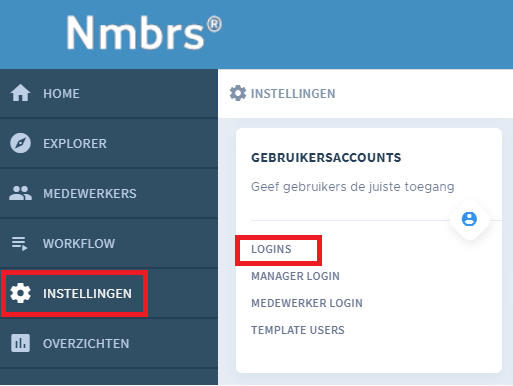
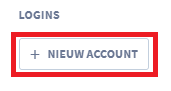
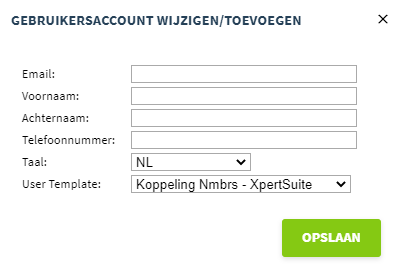
2) Aanmaken user template en gebruikersaccount in Nmbrs
Tables can't be imported directly. Please insert an image of your table which can be found here.
Stap
Actie
Wie
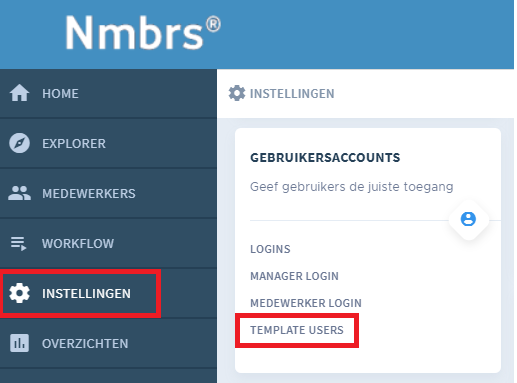
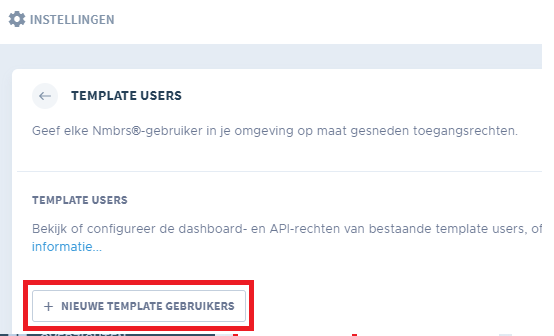
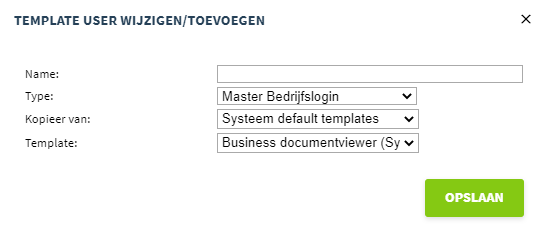


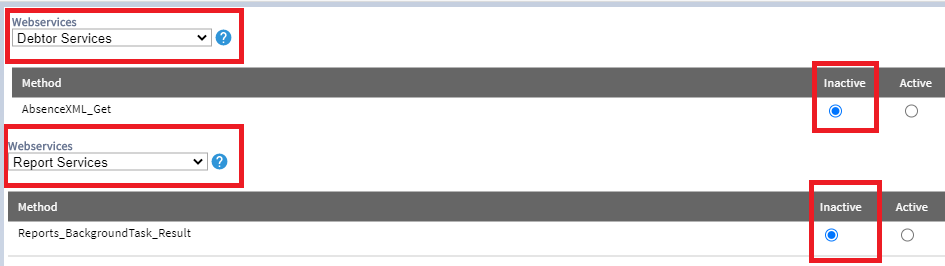
- List_GetAll
- Adress_GetCurrent
- Company_GetCurrentPeriod
- BankAccount_GetCurrent
- Schedule_GetCurrent
- SVW_GetCurrent

- List_GetByCompany
- Department_GetAll_AllEmployeesByCompany
- Employment_GetAll_AllEmployeesByCompany
- Function_GetAll_AllEmployeesByCompany
- Schedule_GetAll_AllEmployeesByCompany
- Absence_GetList
- PersonalInfo_GetCurrent
- Address_GetListCurrent
- Contract_GetAll_AllEmployeesByCompany
- Salary_GetAll_AllEmployeesByCompany
- EmployeeType_GetList
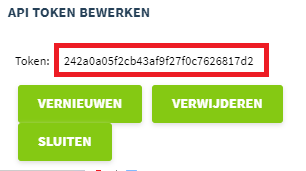
3) Aanmaken account koppeling in Xpert Suite
Tables can't be imported directly. Please insert an image of your table which can be found here.
Stap Actie Wie4) Werkgevercodes ophalen uit Nmbrs en bijwerken in Xpert Suite
Tables can't be imported directly. Please insert an image of your table which can be found here.
Stap Actie Wie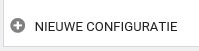
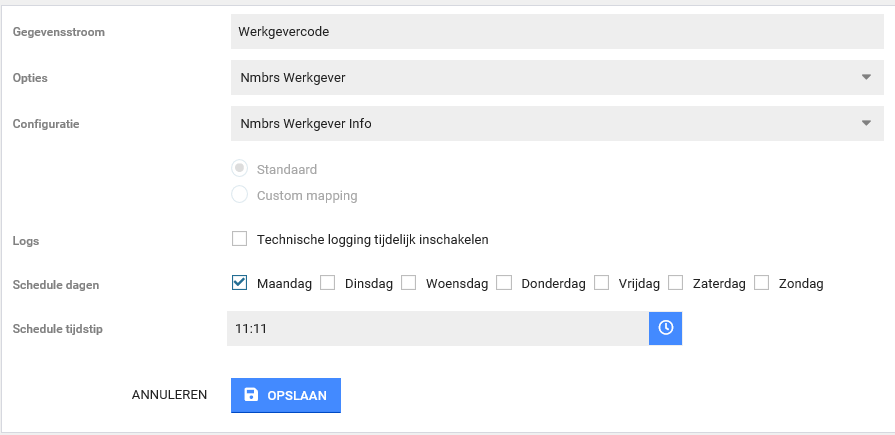


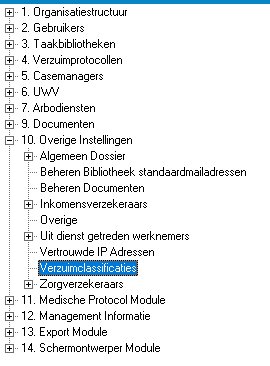
5) Werkgevergegevens aanvullen met de verzuimclassificaties
Tables can't be imported directly. Please insert an image of your table which can be found here.
Stap Actie Wieverzuimclassificaties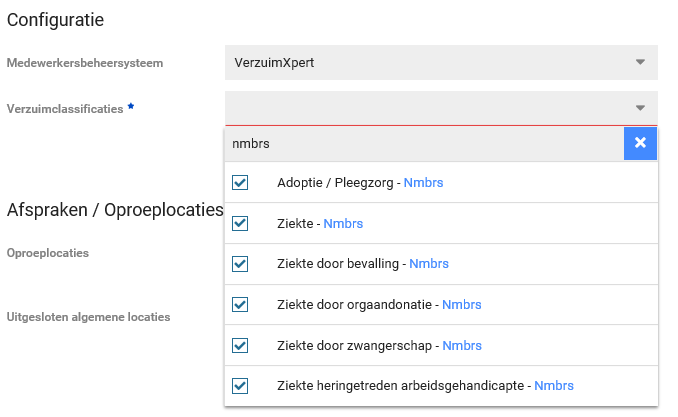
6) Ophalen afdelingen, werknemers en verzuim
Tables can't be imported directly. Please insert an image of your table which can be found here.
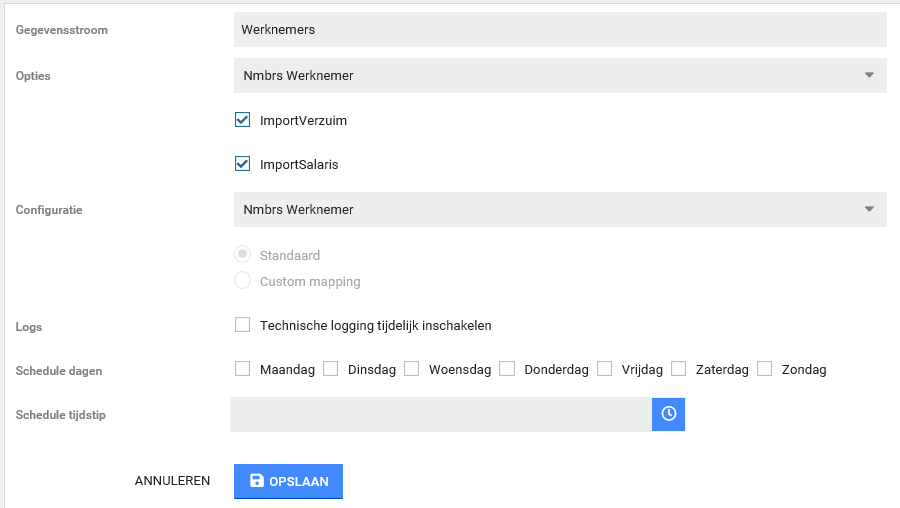
Stap Actie Wie Vul de gevraagde gegevens in en klik op opslaan:

E Ewoud is the author of this solution article.
